kids build
real apps.
real games.
real software.
Get started

see it in action.
Smith is three. He says what he wants, Launch builds it, and thirty seconds later he’s playing it.
one workspace. ages 5–13.
At home, in class or across a whole school: one sentence becomes something useful.
At home
make a chore chart for me and my brother. chores earn stars we trade for screen time
Launch builds it
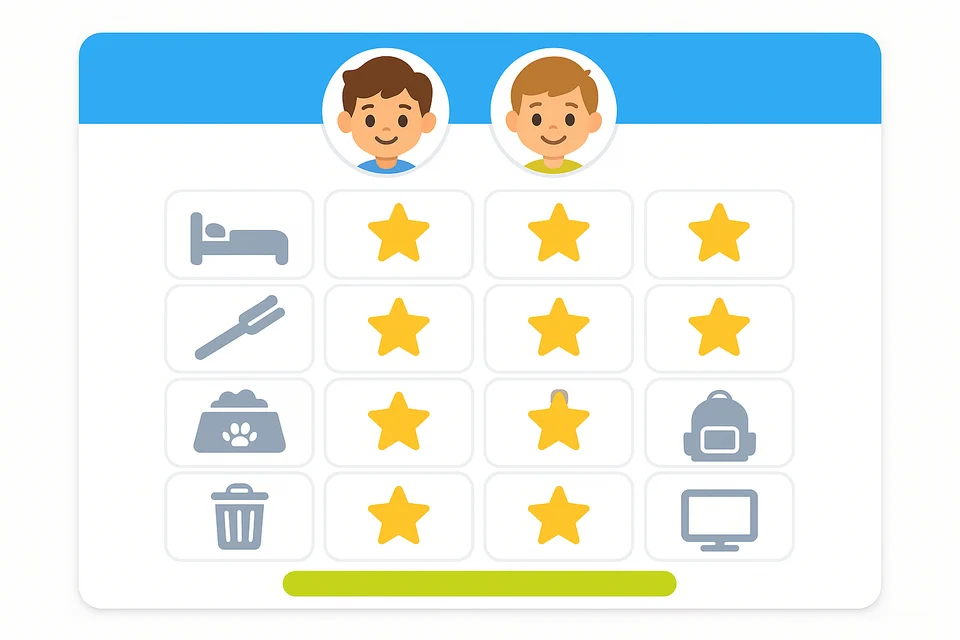
A chore chart that turns stars into screen time.
In the classroom
make a times-tables race where every right answer moves my rocket closer to the moon
Launch builds it
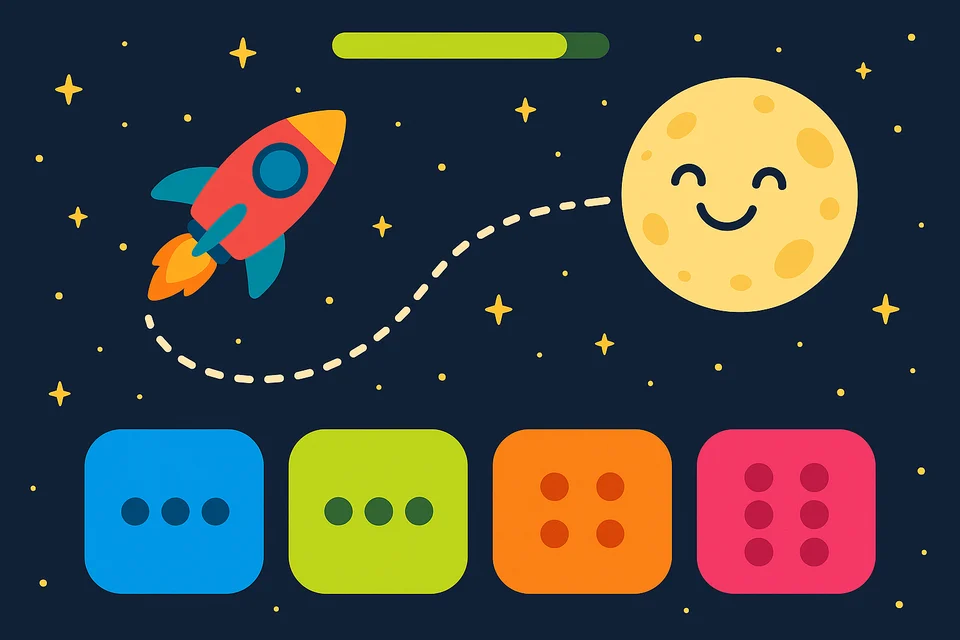
A math game the whole class wants to play again.
Across a school
make a recycling tracker where every class logs what it collects and sees who's winning
Launch builds it
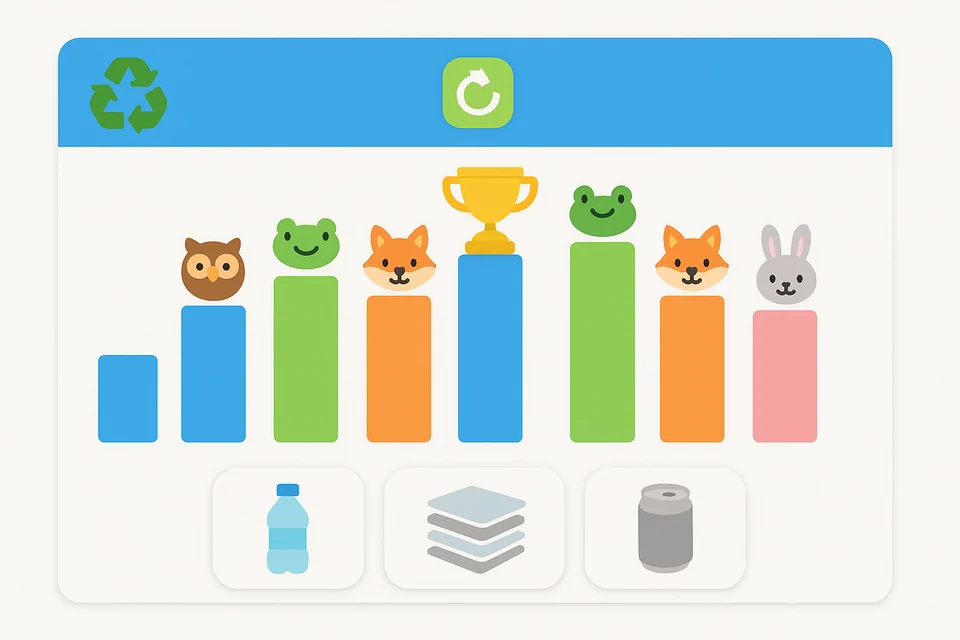
A school-wide leaderboard every class checks on Friday.
built for trust.
- No ads. No data sales. No tracking.
- Built around COPPA & FERPA from day one.
- Every AI message is filtered, at every layer.
- Kids log in with a code — no email, no social feed.
frequently asked questions.
Everything parents, teachers and school leaders ask before getting started.
- What is Launch?
- Launch is an AI coding platform for kids. Children describe what they want to make in plain English, and Launch's AI helps them build it with real code — real, working games, websites, and apps.
- What ages is Launch for?
- Launch is built for kids ages 5–13. Every kid gets the same real workspace, and the AI pitches its explanations to their age — simpler words and smaller steps for younger builders.
- Does my child need any coding experience to start?
- No. There's no setup and no prerequisites. Kids start by describing an idea in their own words, and Launch helps them turn it into working software while they learn by doing.
- Is Launch safe for kids?
- Yes. Launch is COPPA and FERPA compliant by design. There is zero data monetization — no data sales, no ads, no tracking — and every AI interaction is filtered and guarded at every layer.
- What can kids build on Launch?
- Kids build real software with real code — including HTML, CSS, JavaScript, and TypeScript. They make real, working games, websites, and apps, and watch their ideas come to life as they build.
- How much does Launch cost?
- You can start for free with no credit card required. Schools and families can upgrade for full access; school plans are billed per organization.
- Can schools and teachers use Launch?
- Yes. Launch supports teachers and schools with a dedicated dashboard to manage students and track progress, and it's built around FERPA from day one. Teachers and school leaders can get started on the schools page.
- What do I need to run Launch?
- Anything that can get on the internet: a laptop, Chromebook, desktop, iPad or even a phone. There's nothing to install. It works best on a screen at least the size of an iPad.
ready to launch something?
No credit card. No setup. No prerequisites. Kids start building in minutes.
Get started